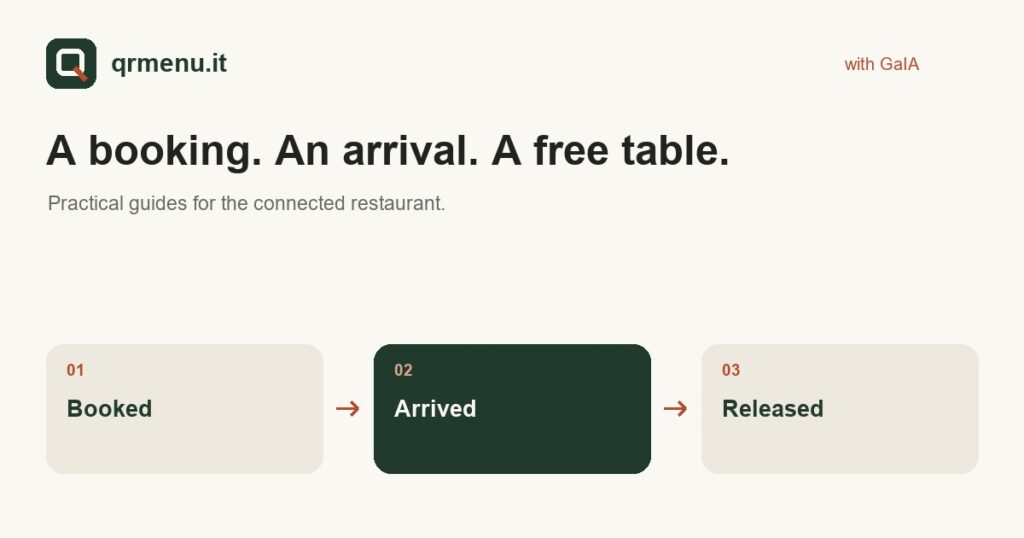
The management of restaurant tables continues after a booking. Staff need to know who has arrived, which table is occupied and when it can be released in the system. Check-in and check-out make these steps explicit, provided the team shares a simple procedure.
A booking and occupancy are not the same
A booking describes an expected arrival. Check-in records the actual arrival and marks the table as occupied. Distinguishing these states avoids treating a calendar time as confirmation that guests are already seated.
Before service, check assignments, party sizes and relevant notes. The person welcoming customers needs to know where to update the status, without relying on an informal message that might not reach the rest of the team.
Check-out makes the end of the visit visible
When guests leave the table, staff can record check-out through the web interface. The system releases the table; availability for a new booking then depends on the configured rules, sitting and arrival window.
This step is not a till operation. It should not be confused with issuing the bill or taking payment. It updates operational availability, at the moment agreed by the team.
Sittings and turnover need careful configuration
GaIA’s internal table system is organised around sittings. Do not assume that the platform automatically calculates every meal’s duration or continuous turnover. If the restaurant runs two separate services, the relevant rules must be configured and tested.
Even when a table is physically free, making it bookable for immediate arrival is not always appropriate. Preparation, resetting and the organisation of each sitting remain the restaurant’s decisions. The software should represent these rules rather than replace them with assumptions.
A procedure to try with staff
- Decide who records arrivals and who closes the visit.
- Use smartphones or tablets with appropriate access, avoiding showing guest data to people who do not need it.
- Simulate an arrival, a change and a released table before using the workflow during service.
- Check how updates affect the availability consulted by the website and agent.
The advantage of a connected system
When website, agent and staff use the same internal table engine, staff updates feed into the same booking journey. Integrations with external management systems have capabilities that need checking: they do not all support the same operations.
To assess GaIA, start with your actual organisation: sittings, areas, number of covers and people using the system. The best trial is a small simulated service, with clear responsibilities and observable steps.
Learn more and try it for your restaurant
Discover the GaIA service and learn more about connecting booking channels.
First see the menu. Then ask GaIA a question.
Il Giardino is a demo restaurant: explore the menu and test the journey from question to booking. To apply it to your own restaurant, tell us how you work.
Let’s talk about your restaurant. The QR menu is part of the GaIA service and is not sold separately.