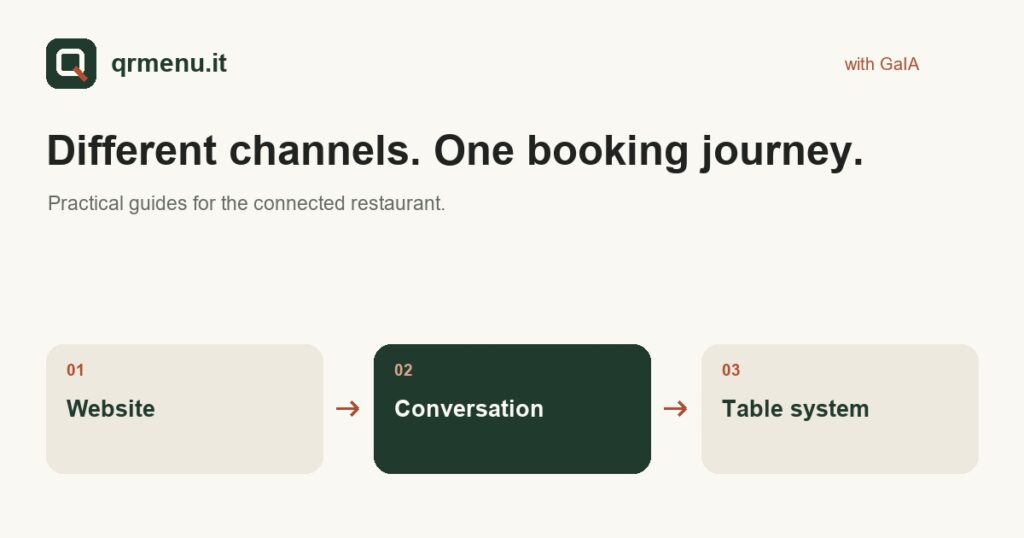
Restaurant bookings come from different places: a button on the website, a phone call, a message. Operational problems arise when each channel remains a separate list and staff have to copy or check things manually. Connecting them starts with clear rules, followed by a consistent configuration.
Define the rules before opening the channels
Set opening days, sittings, party sizes you can accommodate and conditions for changing or cancelling a booking. Clarify what should happen when there is no availability or a request falls outside normal rules.
A quick answer is not useful if it promises a table the dining room cannot allocate. Availability must therefore come from the restaurant’s chosen system. Having an assistant does not remove the need to check sittings and configuration.
The website welcomes people ready to book
The booking button should be easy to find on a smartphone and clearly distinct from the commercial enquiry form. Customers wanting a table should understand which details to enter and what confirmation they will receive.
With GaIA’s internal mode, the booking page and agent can use the same table engine. If the restaurant uses an external management system, check whether the integration makes bookings directly or provides a link: these are different journeys and should be explained to customers.
Phone and WhatsApp add conversation
On the phone, a customer can start with a question about the menu and move on to booking. On WhatsApp, they may prefer a message. GaIA can handle information and bookings on channels actually enabled, according to the installation’s rules.
The phone number, line connection and WhatsApp activation are not details to take for granted. Confirmations and subsequent messages also depend on available channels and settings. Ask to test the full journey, not just the first answer.
Four tests before service
- An ordinary request for an available table.
- A request with no availability, to check the alternatives offered.
- A change or cancellation, following the restaurant’s rules.
- An arrival recorded by staff and the subsequent release of the table.
Keep the relationship clear
People contacting the restaurant should know when they are speaking to an AI assistant. QRMenu phone trials are recorded and transcribed: read the privacy notice before trying them. For your restaurant, notices and data processing configuration must be defined for the activated service.
Assess the result from the team’s perspective: does the information arrive in the right place? Is it clear who handles an exception? Does the customer receive an understandable outcome? These checks matter more than the number of channels shown in a sales presentation.
Learn more and try it for your restaurant
Discover the GaIA service features and read the guide to table management with check-in and check-out.
First see the menu. Then ask GaIA a question.
Il Giardino is a demo restaurant: explore the menu and test the journey from question to booking. To apply it to your own restaurant, tell us how you work.
Let’s talk about your restaurant. The QR menu is part of the GaIA service and is not sold separately.